
Setting Up Proxy Infrastructure for AI/ML Data Collection: A Technical Reference
A practical reference on datacenter vs. residential proxies, rotation strategy, compliance, and cost modeling for AI training data pipelines.
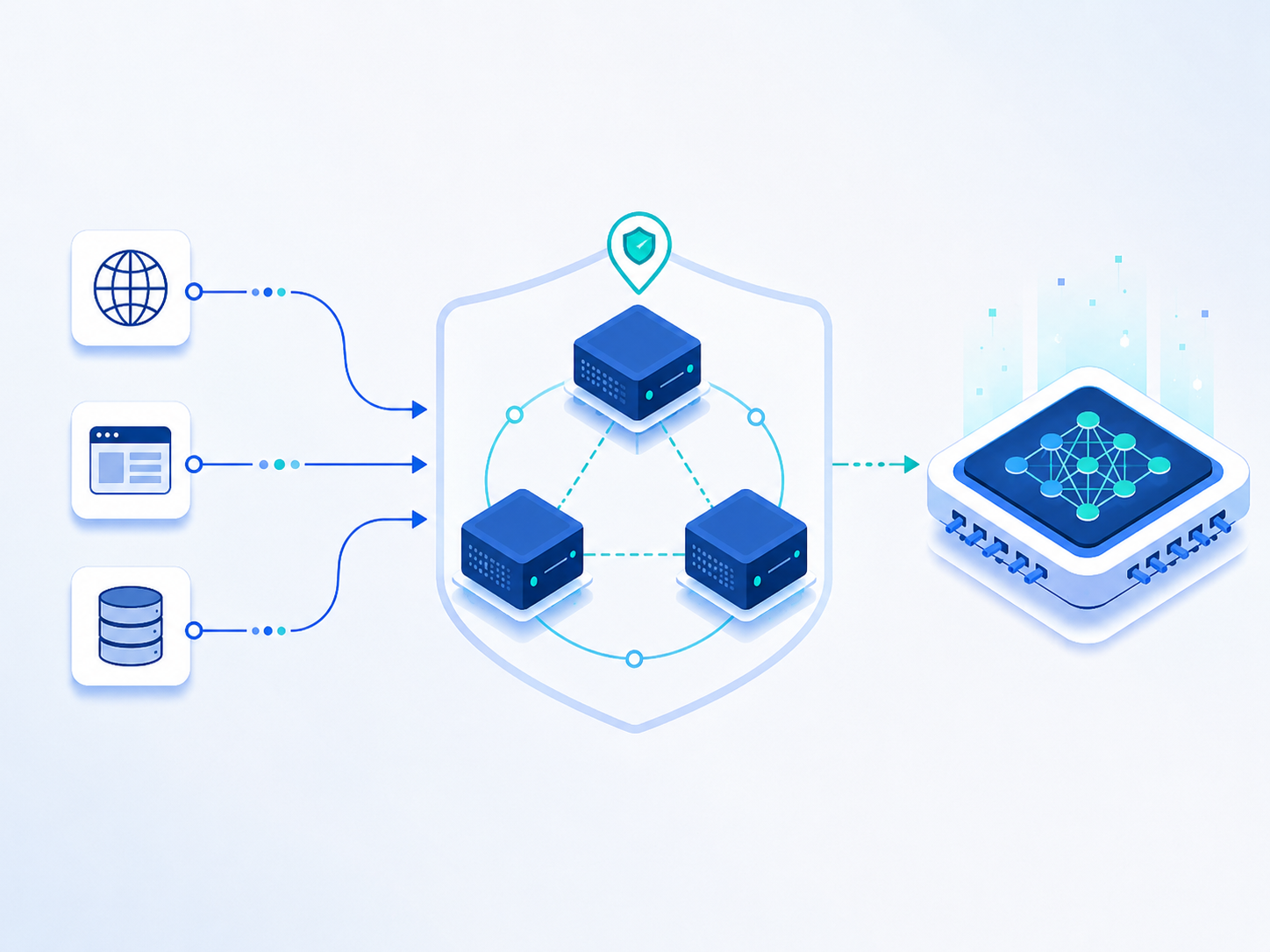
If you're picking proxies for AI training data, here's the short answer: use datacenter proxies for high-volume, low-detection sources. Use residential proxies for sources that fingerprint bots aggressively. Rotate IPs to match each target's sensitivity, not one default setting. And check whether your provider owns its network, resold infrastructure hides risk you won't see until it breaks.
That's the short version. Below is the full reference, drawn from patterns we see running proxy infrastructure at Squid Proxies for AI and data teams doing exactly this kind of collection.
Why proxy choice is a data-quality problem
Proxies aren't just plumbing. For AI training data, they shape what ends up in your dataset.
Narrow IP diversity means more rate limits. More rate limits mean altered or missing content. That skews your sample before you notice.
A blocked scraper doesn't fail loudly. It just returns less data. The crawl looks "done." The dataset is quietly incomplete.
Static IPs get fingerprinted fast. Teams respond by shrinking crawl windows. Smaller crawls mean less diverse data. None of this shows up in a model card. It shows up in the model.
Datacenter vs. residential proxies
Neither is universally better. They solve different problems.
Datacenter proxies are fast and cheap at volume. Use them for public docs, open data portals, and sources that aren't fingerprinting datacenter IP ranges.
Residential proxies route through real ISP addresses. They're harder to detect as automated traffic. Use them for sources with aggressive bot detection, or where geographic accuracy matters: localized pricing, region-locked content.
Most serious pipelines use both: datacenter for volume, residential for the sources that need to blend in. Picking one type for everything is how teams overspend, or get blocked more than necessary.
Why network ownership matters
Much of the proxy market is resold. A provider doesn't run its own network, it resells someone else's and adds a markup.
That's invisible until something breaks: a capacity issue, a routing problem, a policy change you had no warning about.
An owned network means the provider controls capacity and abuse response directly. For a pipeline running on a schedule, that's the difference between predictable behavior and finding out about someone else's problem the hard way.
Rotation strategy: the setting most teams get wrong
Two mistakes show up constantly.
Rotating too often on targets that expect session continuity: login flows, multi-step interactions. This can increase detection risk, not lower it.
Rotating too rarely on sensitive targets. A fixed IP hitting the same site repeatedly is easy to fingerprint. This is the more common mistake.
The rule: match rotation to the target's detection posture. High-sensitivity targets; ecommerce, social platforms, anything with visible anti-bot systems, need per-request or short-session rotation. Low-sensitivity, high-volume public sources often don't need rotation at all.
Compliance starts at the proxy layer
What's permissible to collect, from where, under what terms, these are first-order questions now, not a legal footnote.
A proxy setup that can't tell you which region a request came from makes those questions harder to answer later. Build geographic and source traceability in from the start. It's cheaper than reconstructing it afterward.
Measure cost-per-clean-record, not cost-per-GB
Proxy pricing is usually quoted per GB or per request. That's not the number that matters.
What matters: total spend; proxy cost, retries, cleaning, divided by usable records in your final dataset. A cheap proxy with a high ban rate can cost more per clean record than a pricier, more reliable one. We'll walk through the math in a follow-up piece.